Troubleshooting
Common problems with the dashboard and the bot: what causes each one and how to fix it.
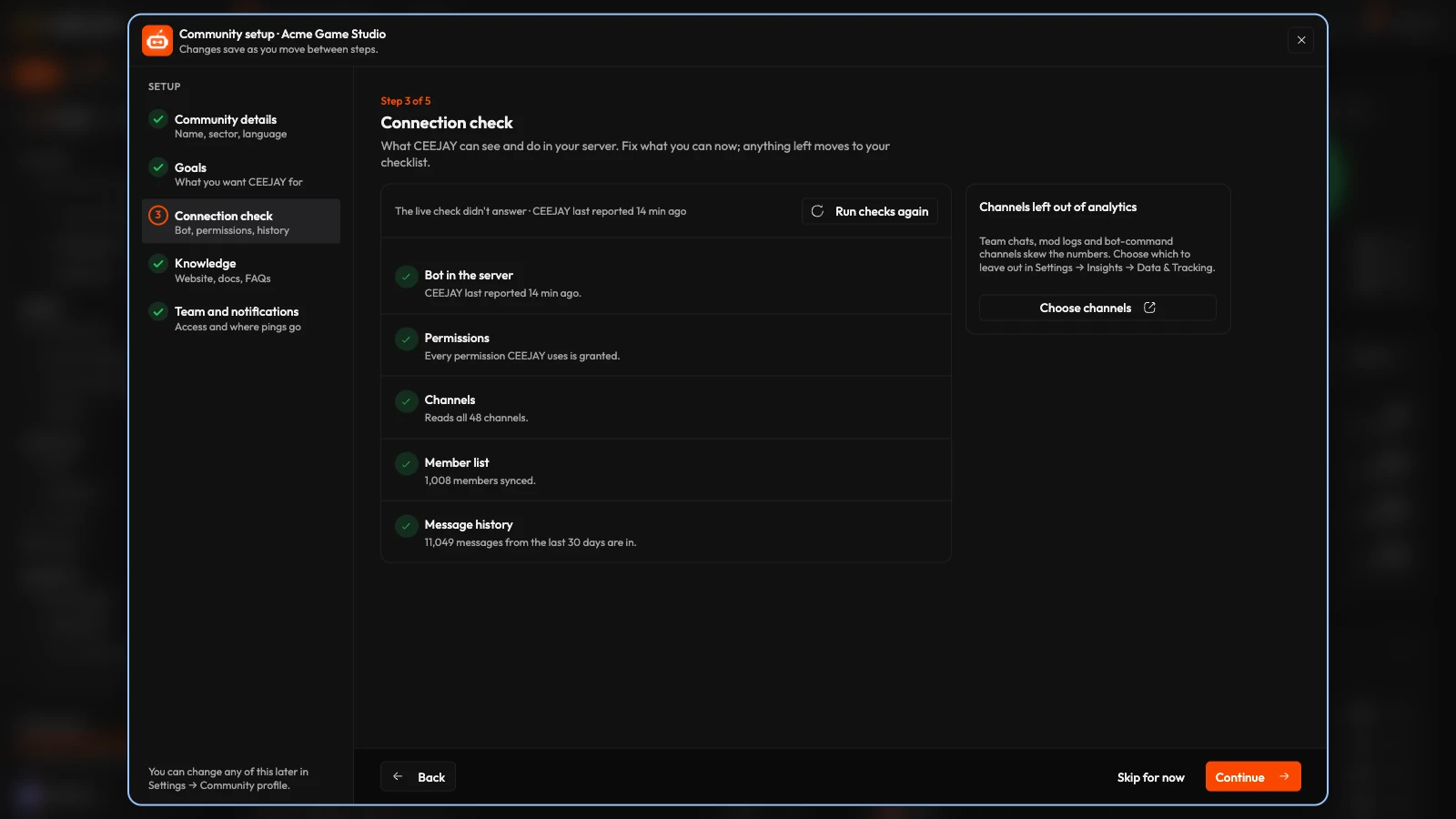
Start with the connection check. It diagnoses most problems with the bot. Go to Settings → General → Community profile and press Connection check. It reports whether the bot is in your server, which permissions it has, how many channels it reads, whether the member list has loaded and how much message history CEEJAY has stored. Run checks again repeats the check.